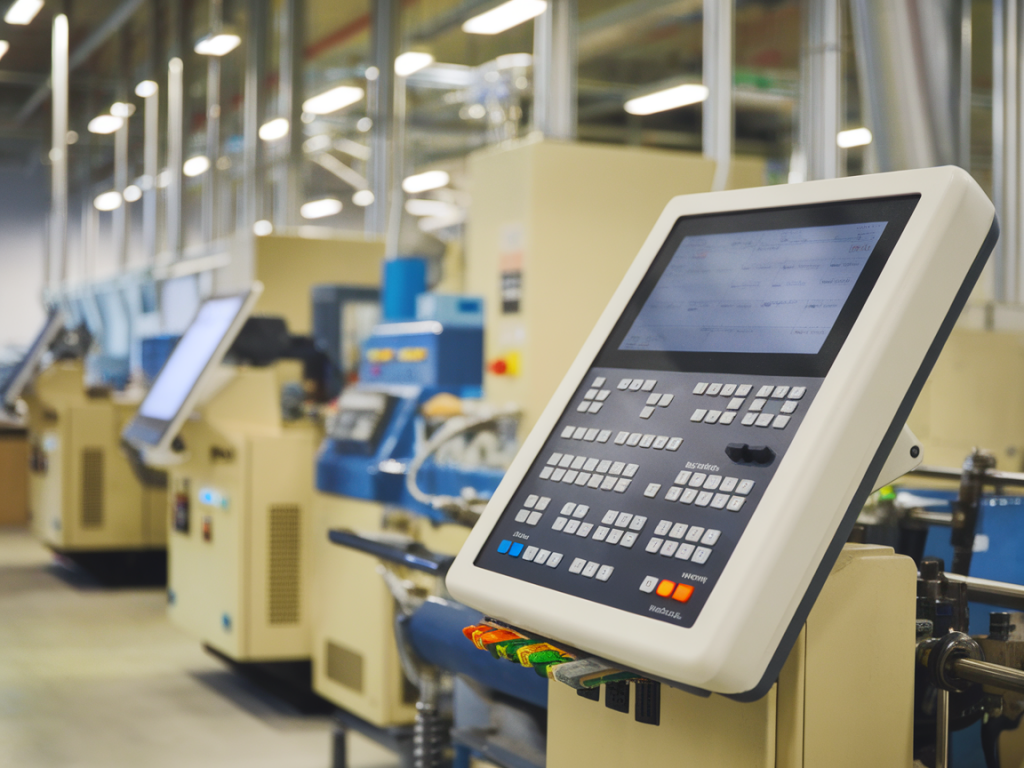
I’ve spent the last decade redesigning operator interfaces on high‑mix production lines, and one lesson keeps coming back: the best HMI is the one that feels like it was made for the person standing in front of it. When I talk about operator‑centric HMI redesign, I mean more than a prettier screen — I mean interfaces that reduce cognitive load, guide correct actions, and let operators do their jobs with confidence and minimal training. Below I walk through the principles I use, practical tactics that have worked in the field, and how to measure impact so you can prove real gains in training time and error reduction.
Why operator‑centric HMI matters on high‑mix lines
High‑mix lines magnify the human factor. Operators switch between products, recipes, and tooling often. Small errors — wrong recipe selection, missed setup steps, incorrect manual interventions — cascade into rework, scrap, and downtime. I’ve seen plants where 60–70% of first‑shift issues traced back to operator confusion at the HMI. The good news: many of these errors are avoidable with focused HMI design.
Design principles I always apply
My approach blends UX best practices with industrial constraints. The core principles I apply to every redesign are:
Contextual visibility — show only what is relevant to the current task or shift. Avoid cluttered dashboards that force operators to hunt for the next step.Actionable guidance — provide step‑by‑step, state‑aware instructions, not just status lights. If an action is required, the HMI should explain why, how, and what acceptable outcomes look like.Error prevention over error reporting — design constraints and confirmations that prevent wrong choices (e.g., recipe locking, guided setup) are better than alarms that activate after the mistake.Affordance and discoverability — interactive elements should look and behave like what an operator expects (large tappable targets, consistent icons, predictable gestures).Low cognitive load — group related controls, favor plain language, and use color and size consistently to convey priority.Practical interventions that reduce training time
When I’m asked to cut training time by half, I don’t start with training programs — I start with the screens.
Role‑based screens — instead of a single ALL‑IN‑ONE HMI, I create role‑specific views: setup, run, quality check, and maintenance. Operators see only the screens needed for their role, which shortens onboarding dramatically.Task flows, not pages — I convert common procedures into guided flows with progress indicators. For a changeover, operators follow numbered steps with contextual help and embedded images or short videos. This reduced changeover errors in one line I worked on from 12% to under 3% within two weeks.Visual templates for product selection — for high‑mix lines, human memory fails. I replace long dropdowns with pictorial product cards and “smart filters” that show only compatible tooling and recipes.Embedded poka‑yoke — hardware and software checks: the HMI reads tooling IDs via RFID/barcode and greys out incompatible recipes. If a wrong tool is connected, the operator gets a clear, non‑technical message and the line won’t start until corrected.Micro‑learning on the HMI — short contextual help snippets and a “help” icon that opens a 30‑second clip or checklist reduce reliance on classroom training for routine tasks.How I handle alarms, errors and exceptions
Alarms are where operator frustration and errors spike. My rule: alarms must be meaningful, prioritized and actionable.
Alarm rationalization — remove or suppress nuisance alarms. Each alarm must map to a clear remediation path on the screen.Contextual remediation — an alarm popup includes the likely cause, immediate safe action, and a link to the full troubleshooting flow. Avoid cryptic codes that require a manual.Decision support, not automation blame — when we recommend auto‑fixes (e.g., automatic recipe rollback), we present the operator with the implications and require a simple confirm so operators remain in control.Tools and technologies I recommend
I’m tool‑agnostic, but some platforms make operator‑centric design easier:
Inductive Automation Ignition — flexible, good for rapid prototyping and role‑based screens.Siemens WinCC / TIA Portal — strong for large OEM environments needing deterministic integration.Rockwell FactoryTalk View — enterprise features and good integration with Allen‑Bradley PLCs.Figma / XD + front‑end prototyping — use these before you touch PLC/HMI code; interactive prototypes with operators find UX issues very quickly.How I run a pilot — step by step
I prefer fast, measurable pilots. Here’s a condensed sequence I use:
Identify the worst pain point (e.g., recipe selection errors causing rejects).Map the current operator workflow and capture time, error rates, and training time required.Prototype a minimal, role‑based HMI view (Figma or Ignition vision module) with operator input.Deploy to a single station or shift, run the pilot for 2–4 weeks, collect KPI data and operator feedback.Iterate quickly and expand rollout once metrics show improvement.Metrics I track and how to present ROI
To get stakeholder buy‑in I track both human factors and operational KPIs. Typical metrics include:
| Metric | Baseline | Target after redesign |
| Operator training time (hours to competency) | 8–16 | 2–6 |
| Operator‑caused errors per week | 5–15 | 1–3 |
| Changeover time | 15–45 minutes | 8–20 minutes |
| First‑pass yield | 85–95% | 90–98% |
Translate improvements into cost savings: reduced scrap, fewer line stoppages, and lower training labor. In one engagement, a €200k annual saving on scrap and rework paid for a full HMI redesign within nine months.
Common pitfalls I avoid
There are traps that kill adoption:
Over‑engineering — too many features overwhelm operators. Start with essentials and add only what users ask for.Ignoring the shop floor — designers who never talk to operators produce interfaces that sound good on paper but fail in reality.Neglecting hardware ergonomics — a brilliant screen is useless if mounted at the wrong height, or with unresponsive touch hardware.Not planning for localization — multilingual plants need concise, translatable text and iconography that carries meaning across cultures.What I ask you to try this week
Pick one station, map a single, high‑risk workflow (recipe selection or changeover), and run a rapid prototype with real operators. Use a role‑based screen, include a poka‑yoke check (ID scan or interlock), and measure training time and errors for two weeks. The changes are often small but the payoff is immediate — reduced cognitive load, fewer mistakes, and happier operators who actually trust their tools.